Guide · 01
Welcome
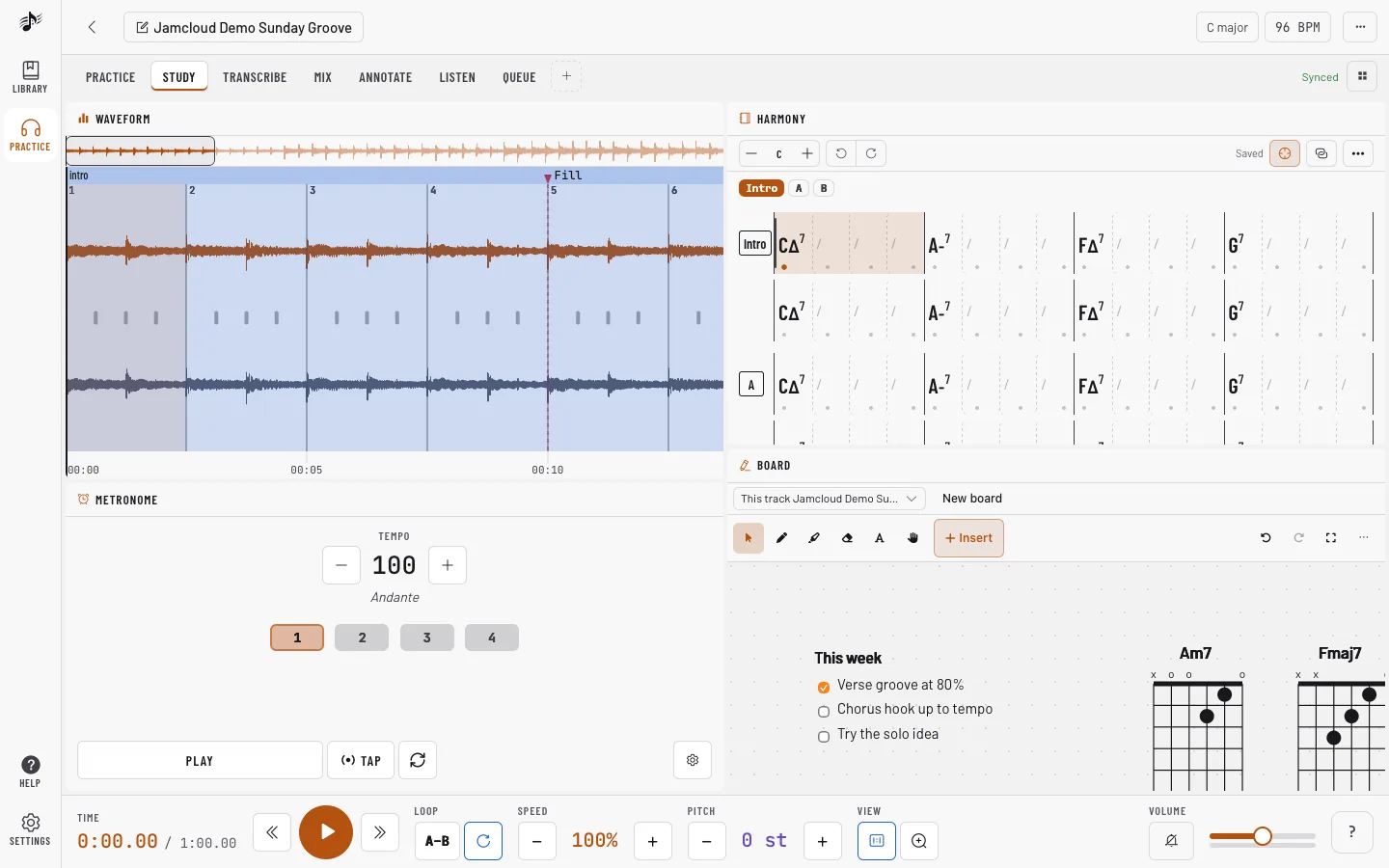
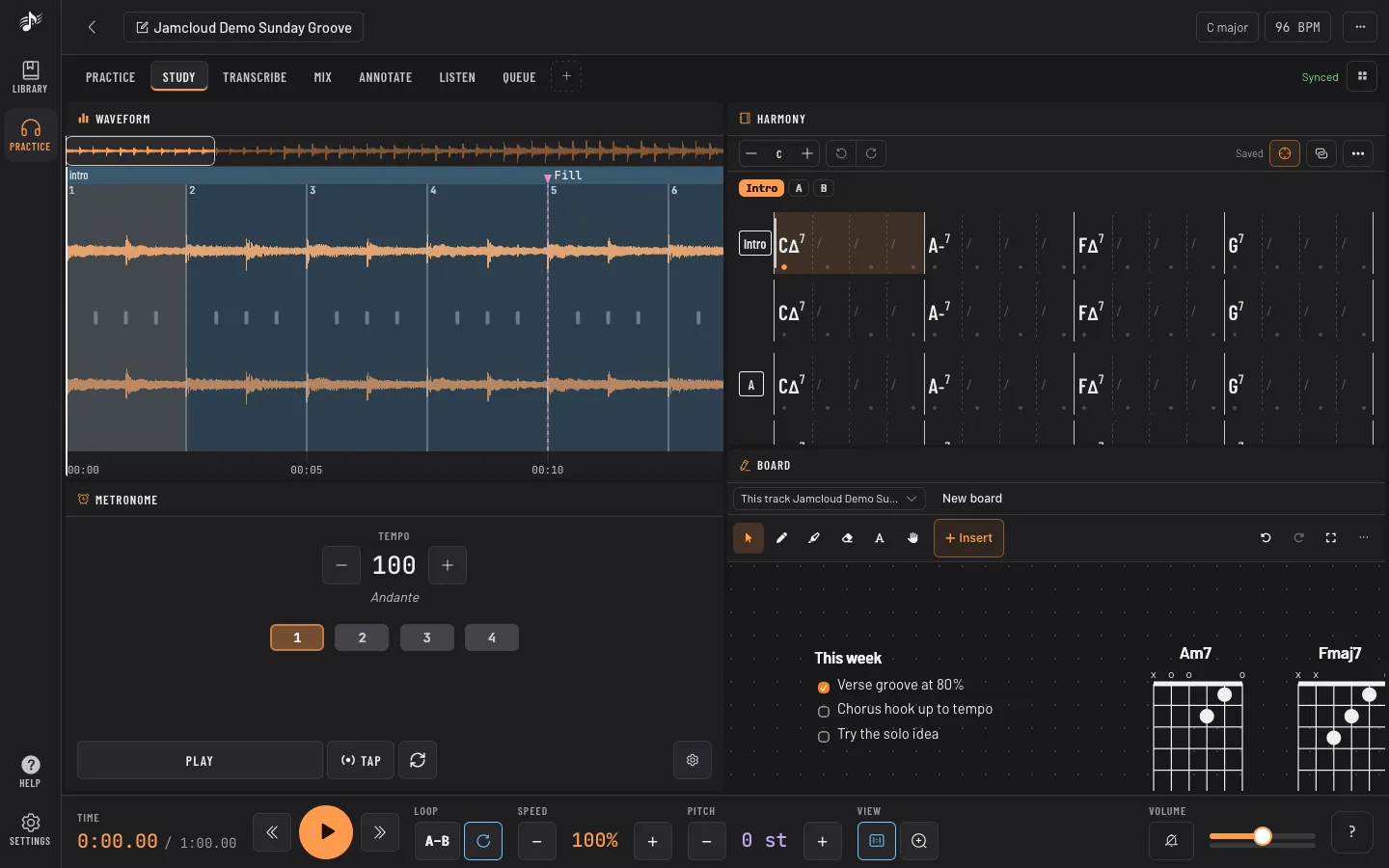
JamCloud is an online workbench to learn any song by ear: slow it down, isolate an instrument, understand it, write it down.
Import the song you want to learn, then take it apart: loop and slow down a passage without changing its pitch, isolate the bass or the guitar in the stems, read the key, the tempo and the sections, and write the chord grid or the tab as you go. Everything you add to a track is saved with it.
Start in three steps
Section titled “Start in three steps”- Import a track from the Library. JamCloud finds its key, tempo and beats in the background.
- Open it and press play (
Space). Drag across the waveform to loop a passage; use Speed and Pitch in the transport to slow it down or transpose it. - Pick a layout tab: Transcribe to write the song down, Analyze to see its frequencies, Practice to play along, Listen to go through a queue.
The full path, step by step: Transcribe a song.
Make it yours
Section titled “Make it yours”Nothing is fixed. The Practice page is a set of areas you split, resize and fill with the panels you want, and you keep one layout per kind of work in tabs. Your layouts follow your account on every computer. See Your workspace.
Your tracks also live in workspaces: a private Personal one, and shared ones for a band, a class or a student. See Sharing.
Where to go next
Section titled “Where to go next”- Transcribe a song: from the recording to the chord grid.
- Your workspace: layouts, panels and setups for each kind of work.
- Library, Practice, Harmony, score and board, Sound and stems, Listen.
- Sharing with your band, teacher or students.
- Phone, settings and shortcuts.
Tip: The search box at the top of the guide finds a feature by name.
Report a problem
Section titled “Report a problem”Something broken, confusing or missing? Open the gear at the bottom of the left bar (the Menu tab on a phone), then Report a problem. Pick Bug, Idea, Question or Other and describe it in a few words. The app version, the page you were on, your device and the open workspace are attached for you, so you do not need to explain them.